
BLOGS ABOUT GETTING STARTED WITH COINSNAP

Why Bitcoin Payments in My Online Store? A Simple Guide for First-Time Merchants
Why Bitcoin Payments in My Online Store?A Simple Guide for First-Time Merchants: Accepting Bitcoin (including Lightning) can lower fees, end chargebacks, bring global customers, settle instantly to your own wallet, and boost your brand with minimal customer data and 24/7 availability. Understand why Bitcoin payment is great for your business.

How to Open a Coinsnap Account (Step by Step)
This guide explains how anyone can create a Coinsnap account and set it up to accept Bitcoin and Lightning payments. No technical knowledge is required—just an email address and a Lightning wallet. If you already have a Lightning wallet, the entire sign-up process takes less than three minutes.
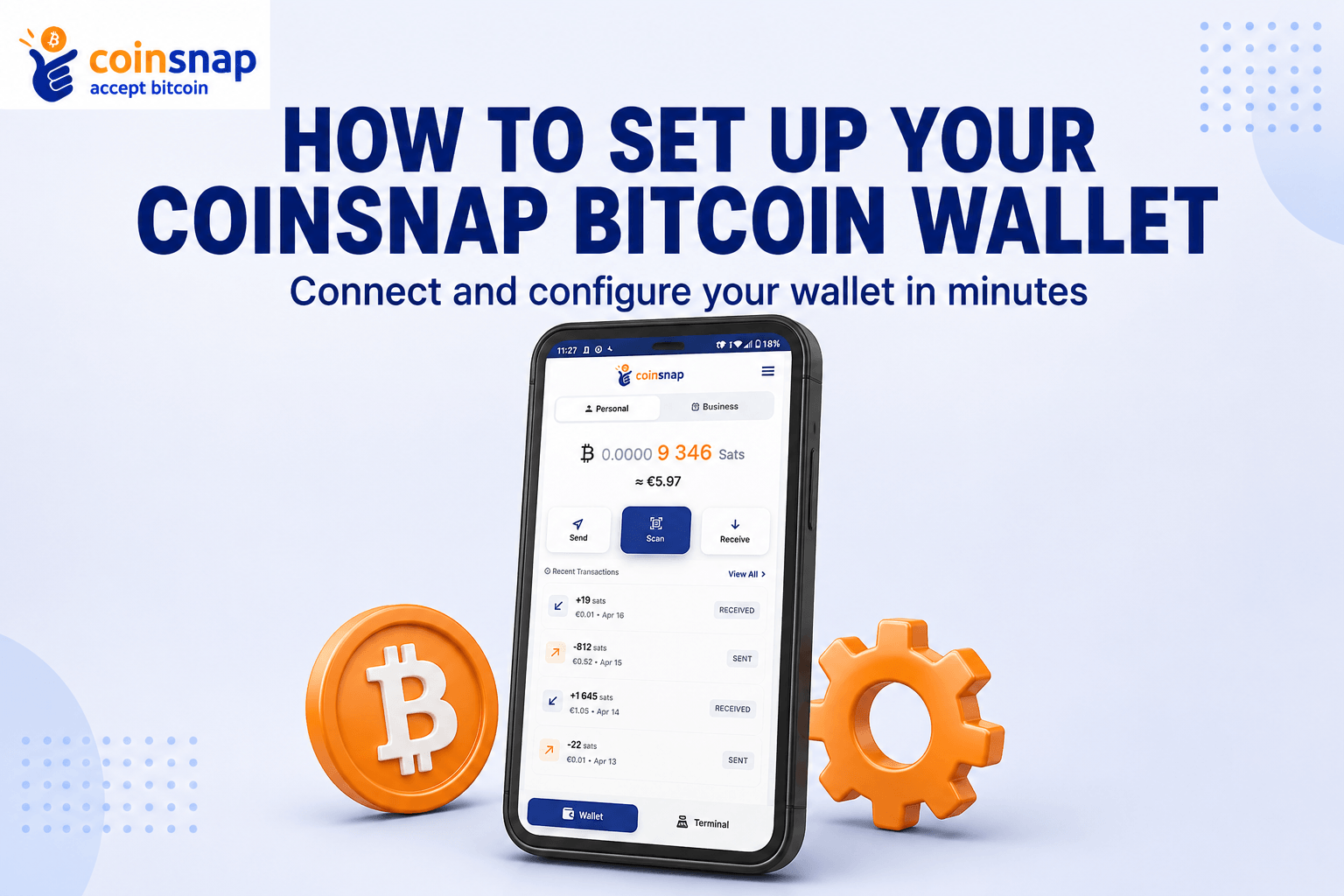
Coinsnap Bitcoin Wallet Setup: Install and Set Up Your Wallet
Learn how to complete your Coinsnap Bitcoin Wallet setup in just a few minutes. This step-by-step guide shows you how to install the app, create your Personal and Business Lightning Addresses, and securely back up your wallet with your Recovery Phrase.
How to Get Your First Bitcoin Lightning Wallet & Lightning Address
Want to accept Bitcoin payments but don’t yet have a Lightning wallet?This simple beginner-friendly guide shows you how to create your first Bitcoin Lightning wallet, get your own Lightning address, and receive your first payment — in just a few minutes.
How to Install a Coinsnap Plugin in WordPress (Step by Step)
All Coinsnap plugins are available directly via the official WordPress plugin directory and can be installed in just a few clicks—without uploading files or using FTP.Here we show you how to install a Coinsnap plugin in the WordPress backend!
How to Connect Your Coinsnap Plugin With Your Coinsnap Account (Step by Step)
Connecting a Coinsnap plugin to your Coinsnap account is the final step before you can accept Bitcoin and Lightning payments on your website. Once connected, your plugin can create payment QR codes, and forward payments directly to your configured wallet or settlement destination. This guide walks you through the process step by step. No technical knowledge is requiredNote: This guide applies to WordPress plugins only. If you use a different website platform, please refer to the relevant user guide.
Accept Bitcoin & Get Paid to Your Bank Account
If you’re curious about offering Bitcoin at checkout—but have zero interest in managing wallets, volatility, or crypto accounting—this guide is for you.With Coinsnap, your customers can pay in Bitcoin while you choose how you get paid: directly to your bank account in euros or dollars, or to a Lightning or on-chain Bitcoin wallet.
Payout to Bank Account with DFX
Learn how to use Coinsnap to have your Bitcoin revenue paid out directly to your bank account via the Swiss Bitcoin broker DFX.

Coinsnap & Bringin in Action
In this article, we’ll show you how you can accept Bitcoin with Coinsnap and Bringin, but receive your Bitcoin income directly in euros in your bank account.
How to Send and Receive Bitcoin with the Coinsnap Wallet
Learn how to send and receive Bitcoin with the Coinsnap Bitcoin Wallet.This step-by-step guide shows you how to scan Bitcoin and Lightning QR codes, confirm payments, and how to receive Bitcoin payments.