BLOGS ABOUT BITCOIN PAYOUT
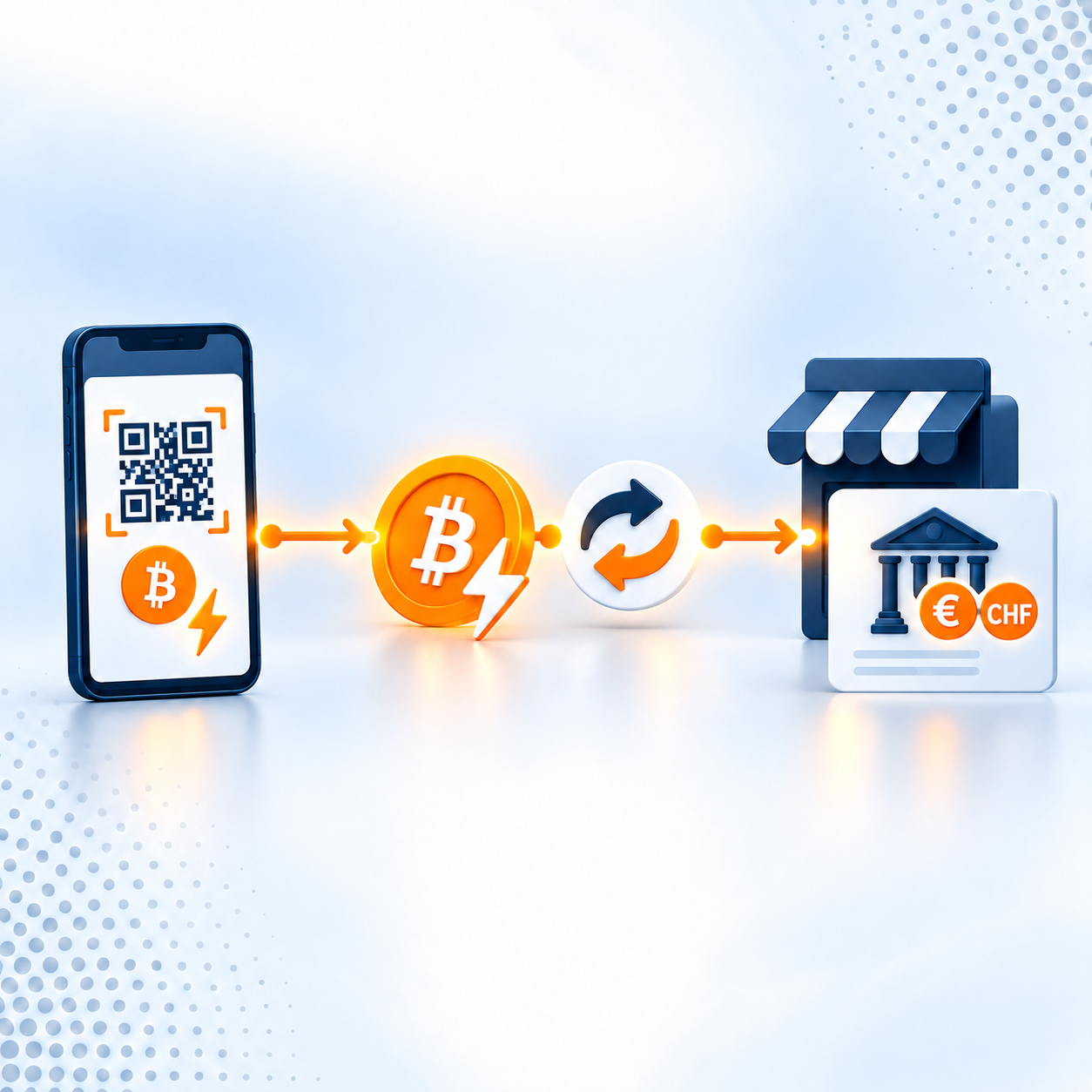
Accept Bitcoin & Get Paid to Your Bank Account (No Bitcoin Handling)
If you’re curious about offering Bitcoin at checkout—but have zero interest in managing wallets, volatility, or crypto accounting—this guide is for you.
With Coinsnap, your customers can pay in Bitcoin while you choose how you get paid: directly to your bank account in euros or Swiss francs, or to a Lightning or on-chain Bitcoin wallet.
WooCommerce Bitcoin Cash-Out (Simple Introduction)
Turn your WooCommerce Bitcoin or Lightning orders into bank-ready EUR.
This guide explains payout routes (exchange, P2P, ATM), shows the easiest plugin shortcut (Coinsnap + Bringin), and covers setup, accounting and refunds—so you can go live today.
WooCommerce Bitcoin Fiat Settlement: Deep Dive for Merchants (2025)
Compare fiat settlement for WooCommerce Bitcoin—Coinsnap+Bringin vs CoinGate/BitPay/OpenNode—plus quick setup playbooks and accounting with CoinTracking.
Payout to bank account with DFX
Learn how to use Coinsnap to have your Bitcoin revenue paid out directly to your bank account via the Swiss Bitcoin broker DFX.
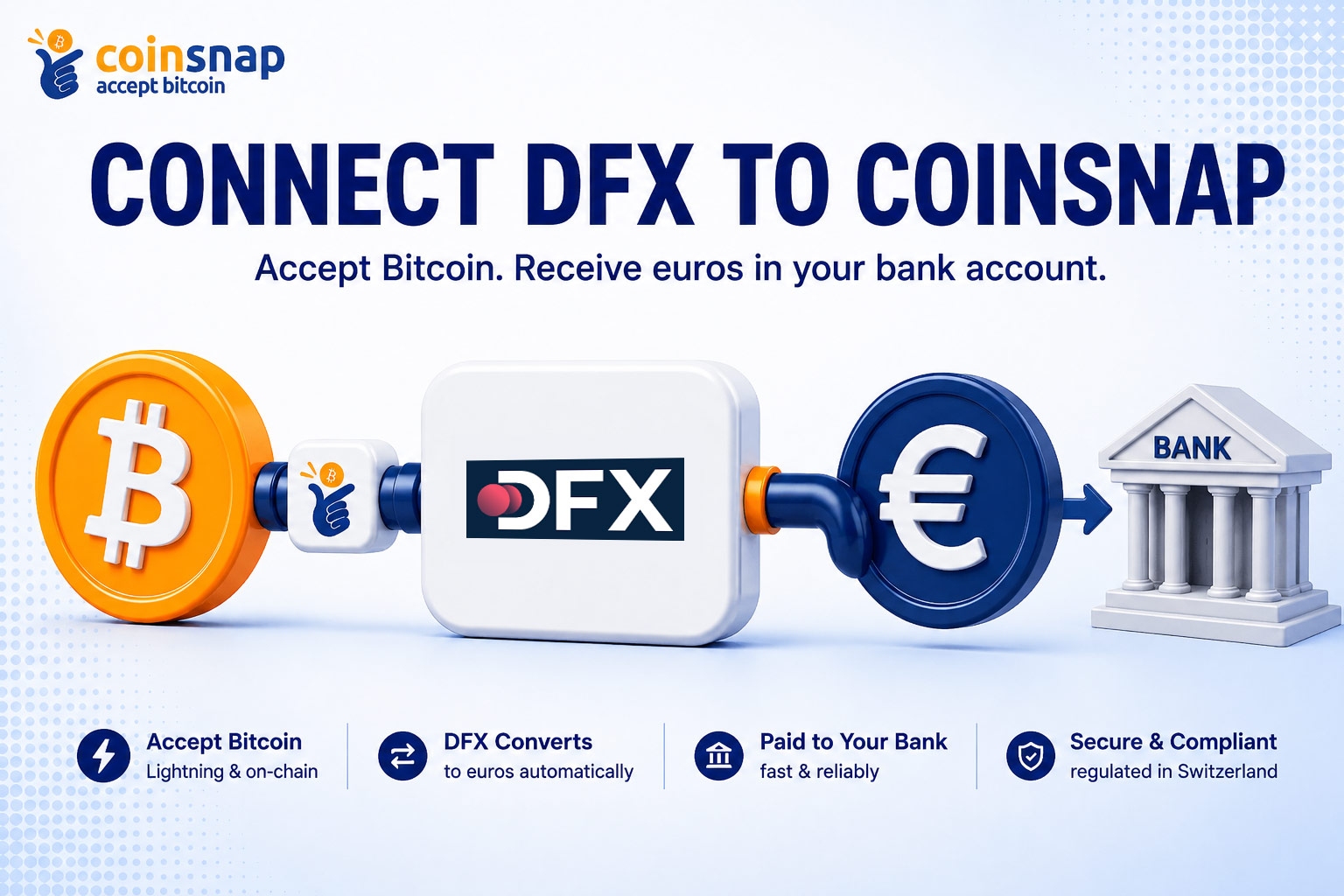
How to Connect DFX to Coinsnap for Automatic Bank Payouts
Connect DFX to Coinsnap and have your Bitcoin and Lightning sales automatically converted into euros or Swiss francs and paid directly into your bank account.
This step-by-step guide shows you how to set up DFX bank payouts in your Coinsnap dashboard.
Easy Bitcoin Payout with Bringin and Coinsnap
In this article, we’ll show you how you can accept Bitcoin with Coinsnap and Bringin, but receive your Bitcoin income directly in euros in your bank account.
How Wave.space offers seamless Bitcoin to Euro Conversion
With its new Lightning address feature, wave.space gives Coinsnap merchants a simple way to accept Bitcoin payments and receive euros. By adding “.eur” to their Lightning address, incoming Bitcoin payments can be converted into euros automatically.
Learn how to use Wave.space for a smooth, simple Bitcoin to euro conversion flow with Coinsnap.