
Getting Started with Coinsnap
How to Open Your Coinsnap Account
Your Coinsnap account is the starting point for accepting Bitcoin and Lightning payments. It allows you to manage your integrations, payment settings, and connected wallets from one place.
This guide explains how to create your Coinsnap account and complete the first steps required before connecting your website or shop.
How to Get a Lightning Address and Wallet
To receive Bitcoin and Lightning payments with Coinsnap, you need a compatible wallet and a Lightning Address.
The easiest option is to use the Coinsnap Bitcoin Wallet, which is already designed to work seamlessly with your Coinsnap account. Alternatively, you can use a compatible external Lightning wallet. The following guides explain both options.
Coinsnap Bitcoin Wallet Setup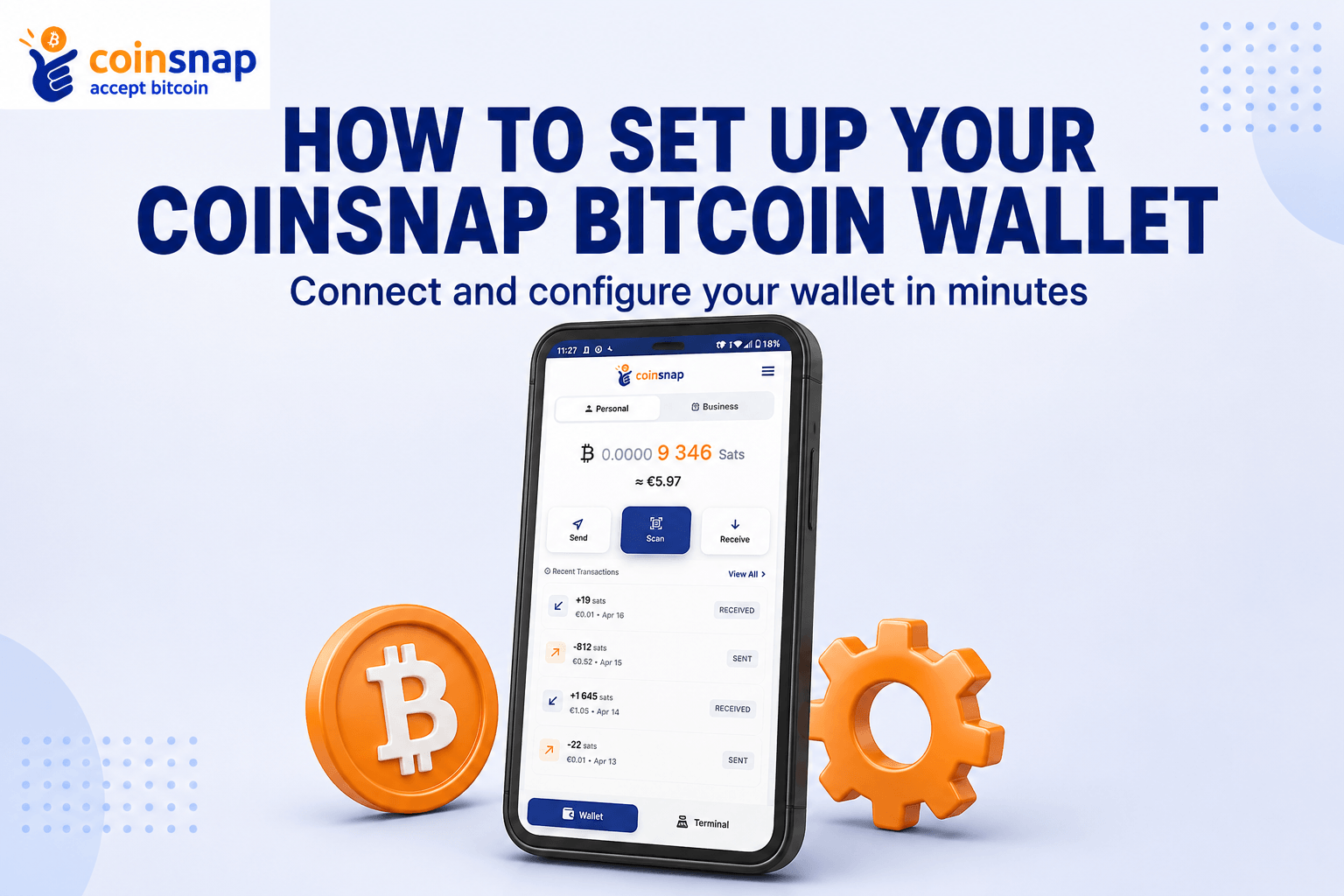
This guide shows you how to set up the Coinsnap Bitcoin Wallet, create your Lightning Address, and prepare your wallet to receive Bitcoin payments through your Coinsnap account.
Read: Coinsnap Bitcoin Wallet Setup →
How to Get a Lightning Wallet and Lightning Address
If you prefer to use an external Lightning wallet, this guide explains what a Lightning Address is, which wallets are compatible with Coinsnap, and how to create the address you need to receive your payments.
How to Install a Coinsnap Plugin in WordPress
Coinsnap offers plugins and add-ons for popular shop systems and WordPress solutions. Once your account and wallet are ready, the next step is to install the correct payment integration for your website.
Use the general installation guide for shop-system plugins, or the dedicated WordPress guide if your website runs on WordPress.
How to Connect Your Coinsnap Plugin with Your Coinsnap Account
After installing your Coinsnap plugin, you need to connect it to your Coinsnap account. This allows your shop or website to communicate with Coinsnap and process Bitcoin and Lightning payments.
The guide shows you where to find the required credentials in your Coinsnap account and where to enter them in the plugin settings.
Read: Connect Your Coinsnap Plugin with Your Coinsnap Account →
How to Download a Coinsnap Module

Not all Coinsnap modules are available through the official module or extension marketplace of every shop system. However, all Coinsnap modules can be downloaded directly from GitHub.This guide shows you how to find the right Coinsnap module on GitHub, download it, and get it ready for installation.
Coinsnap API Documentation
If you want to build your own Coinsnap integration, you can connect your application directly to Coinsnap through the API.
The API documentation contains the technical information developers need to integrate Bitcoin and Lightning payments into custom websites, applications, and services.
Need More Help?
If you need more information, visit the Coinsnap Help section for additional guides and tutorials about Bitcoin and Lightning payments.