


Step 1: How to Find the Coinsnap Module You Need on GitHub
Open your web browser and go to github.com/coinsnap [1].
You will see a list of all Coinsnap repositories, each corresponding to a specific shop system or platform:

Step 2: Locate the repository that matches your shop system
For example: you are looking for the Coinsnap for Shopware module. In this case, click here:
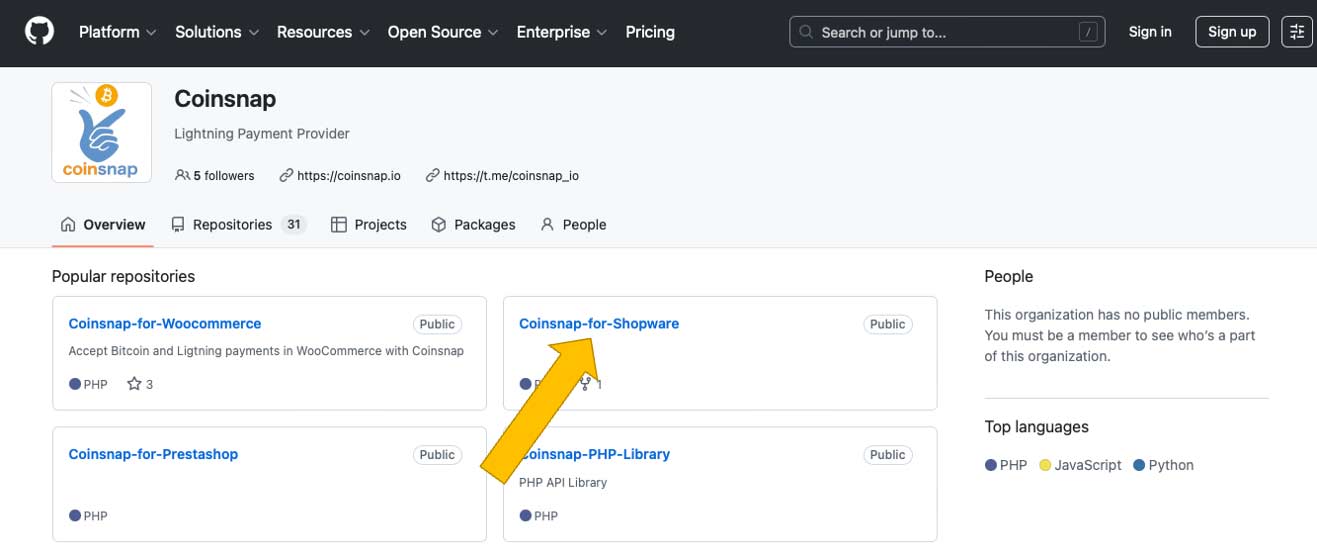
Click on the repository name to open the module’s GitHub page. Make sure you select the correct module for your shop system to ensure proper compatibility and functionality.
Step 3 — Download the module as a ZIP file
On the GitHub repository page, click the Code button:
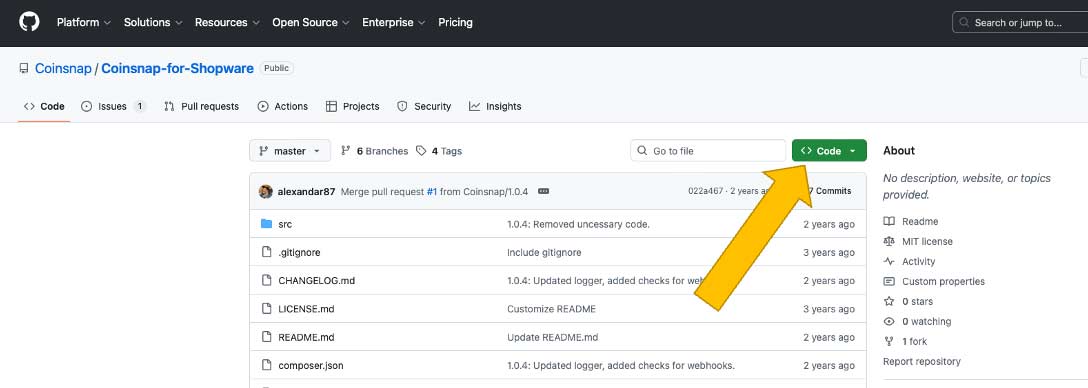
Select and Download ZIP, and save the ZIP file to your local computer.

This ZIP file contains the full Coinsnap module source code required for installation.
Done
You now have the ZIP file containing the Coinsnap module and can proceed with the platform-specific instructions to install it into your shop system.
All our Installation Guides are here.