Accept Bitcoin & Lightning Payments with Shopware
- Native Shopware module
- Fits Shopware checkout flow
- Customizable payment experience

Enable Bitcoin payments in your Shopware checkout—cleanly integrated into your system
The Coinsnap Bitcoin payment module for Shopware adds Bitcoin payments (on-chain + Lightning) directly to your existing checkout process. No external systems, no complex integrations—just a simple, structured way to add Bitcoin payments to your Shopware store.
Bitcoin payments adapted to Shopware commerce workflows
Native Shopware Module Integration
Install the Coinsnap Shopware module directly into your store and enable Bitcoin payments within your existing checkout flow.
Fits Existing Shopware Logic
Continue using your existing Shopware products, shipping rules, taxes, coupons, and checkout configurations while adding Bitcoin as an additional payment method.
Lightning & On-Chain Payments
Accept both Lightning and on-chain Bitcoin payments through a simple QR-code-based payment experience.
Fully Integrated Order Management
Bitcoin payments integrate directly into Shopware’s existing order handling and fulfillment workflows.
Customizable Bitcoin Checkout
Customize labels, checkout texts, payment descriptions, redirects, and branding to fit your store experience.
No External Shop System Required
All Bitcoin transactions remain connected to Shopware orders—no duplicate dashboards or disconnected workflows.
Bitcoin payments directly inside Shopware
Coinsnap adds Bitcoin as a Shopware payment method and guides customers through a clean QR-code payment flow while Shopware handles the order lifecycle.
Add Bitcoin as a Shopware Payment Method
Customers select Bitcoin during checkout and complete payment instantly using Lightning or on-chain Bitcoin.
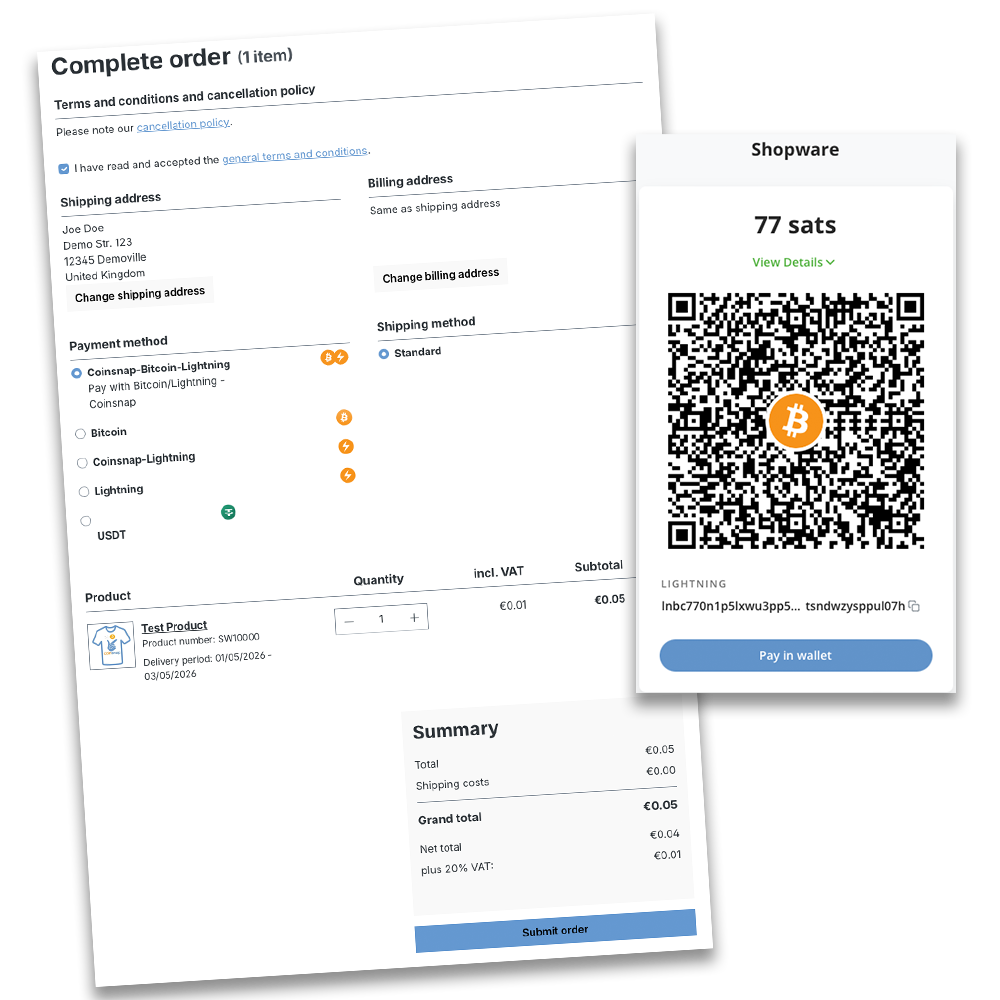
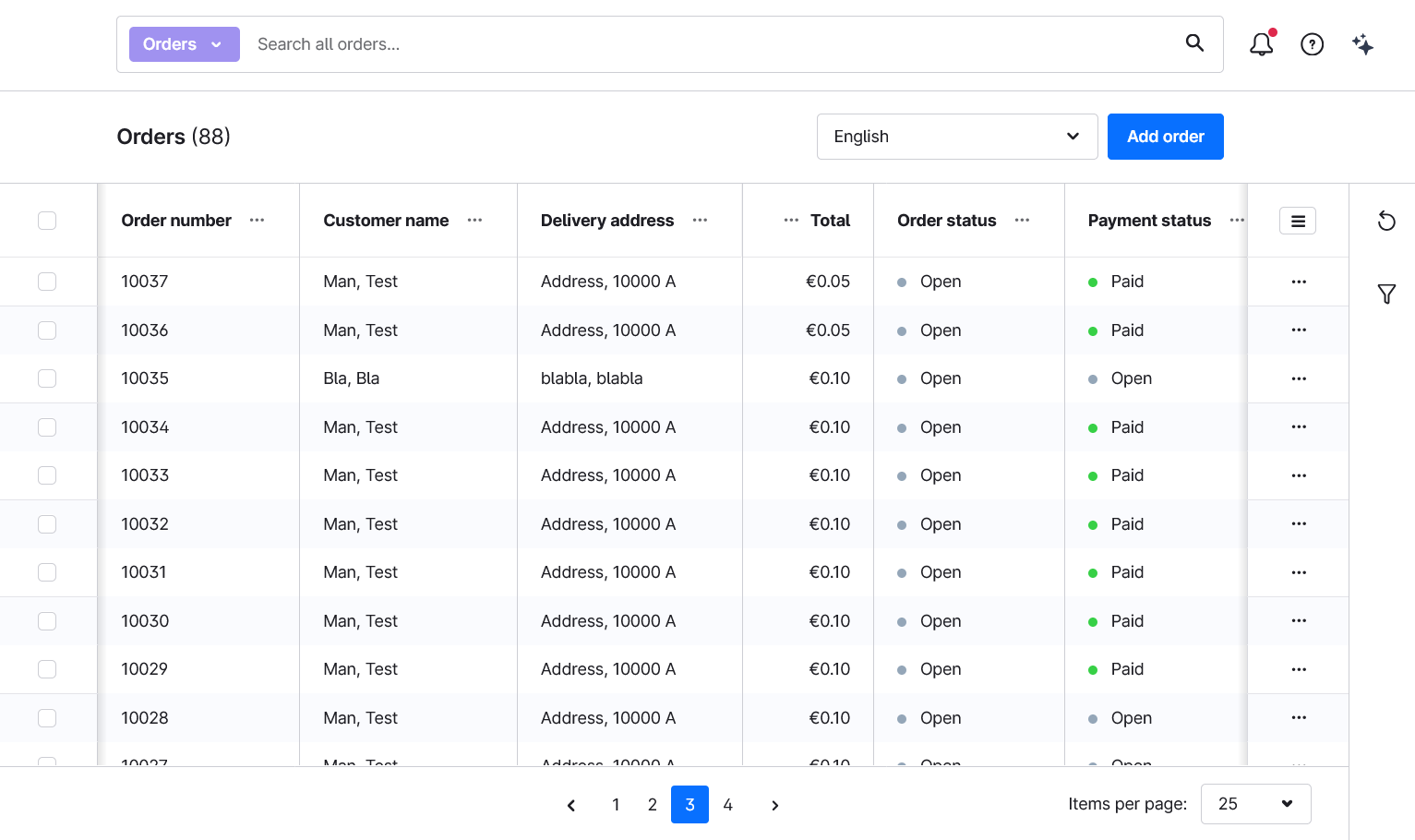
Automatic Shopware Order Updates
Orders are automatically updated after Bitcoin payment confirmation, helping merchants maintain clean fulfillment processes.


ACCEPT BITCOIN IN SHOPWARE – THE SOLUTION FOR MANY USE CASES
WHO IS THIS PLUGIN FOR?
The Bitcoin payment for Shopware module is ideal for Shopware merchants who want to reduce chargebacks, benefit from low payment fees, and serve customers worldwide by offering Bitcoin at checkout—with instant settlement of proceeds to their Lightning or on-chain Bitcoin wallet, or, if preferred, in euros to their bank account.
Beyond this, Coinsnap’s Shopware Bitcoin payment module is the easiest and most cost-
effective solution for Shopware stores who want to:
- Request our free integration service directly from your Coinsnap dashboard: We install the module for you – free of cost!
- DIY: Do it yourself by following our detailed, step-by-step installation guide.
- Offer Bitcoin payments to engage the emerging and growing group of crypto-affine buyers, without unnecessary bureaucratic or technical overhead. These customers also tend to show higher loyalty and fewer product returns.
- Sell high-value or premium products using on-chain Bitcoin to reduce payment costs, avoid rolling reserves, and reach customers in regions with non-convertible currencies or weak banking infrastructure.
- Sell products that are subject to BIN blocks in certain jurisdictions, as Bitcoin payments do not rely on card networks or issuing banks.
Taken together, these features make Coinsnap the most practical solution for Shopware merchants seeking to reduce payment friction, retain control, and unlock new business models and offerings that were previously technically or commercially unviable, or not feasible under applicable regulations in certain jurisdictions.
WHY CHOOSE COINSNAP FOR
KEY BENEFITSWhether you’re a small eCommerce shop or a scaling online store, this plugin gives you a fast, reliable and fully-integrated Bitcoin payment solution that fits right into your online shop’s workflow.

Easy Integration
Coinsnap offers a wide range of modules, plugins and integrations that can be installed in any system with just a few clicks.

No Tech – No Code
No infrastructure, no nodes, no servers, and no technical know-how required. Coinsnap handles the entire Bitcoin payment process.
Integration Service
If the integration seems complex, the Coinsnap team can help set everything up and connect your shop directly to your Coinsnap account.
Highest Security
Coinsnap operates fully on the self-custody principle. Every Bitcoin payment is deposited directly to your own, self-managed wallet. Your Bitcoin always remain 100% under your control.

Detailed Analytics
The Coinsnap dashboard provides detailed information for every payment, including timestamp, Bitcoin exchange rate at the time of payment, order and shop data, tax-relevant information.
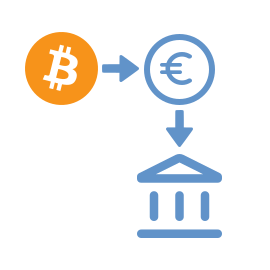
Pay-out to Bank Account
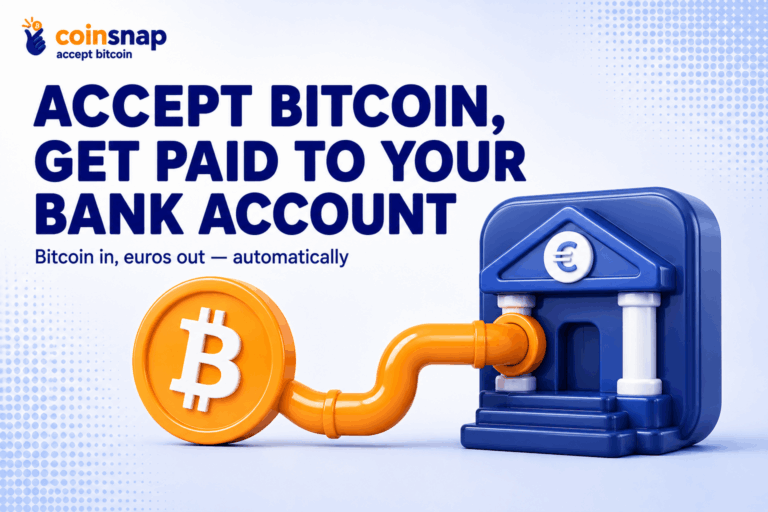
If you prefer not to hold Bitcoin, you can automatically convert payments into euros. Coinsnap integrates with several licensed Bitcoin brokers who settle directly to your bank account.

Promote Bitcoin Payments
Bitcoin Discount
Merchants can define either a percentage-based or fixed discount that automatically applies exclusively to Bitcoin payments.
This makes it easy to encourage customers to choose Bitcoin at checkout, increase the overall share of Bitcoin transactions, and accumulate more Bitcoin for savings or long-term holding.

Retain full Custody
BTCPay Server ready
This payment module can be used with your own BTCPay Server.
Simply connect your BTCPay Server to Coinsnap and retain full control over all payments, from your shop directly to your wallet.
Read more
Open source for Developers
Get it on GitHub
This module is open source and completely free to use.
You can download it directly from GitHub and integrate it into your shop system or eCommerce platform without any licensing costs or restrictions.
Download now3 Steps to Accept Bitcoin — From Setup to Payment
Create your account with nothing but an email, install the module that fits your business, and receive funds directly to your own Bitcoin wallet or bank account. Simple onboarding, quick integration, and full control over your payments.

Get Started Fast
Create your account in seconds — all you need is an email.
Integrate Easily
Use ready-made Bitcoin modules for smooth and effortless integration.
Receive Instantly
Get instant deposits into your Bitcoin wallet (On-chain + Lightning) or your bank account.
Why Bitcoin?
safe, inexpensive, globalThere are many good reasons to accept Bitcoin in your online store.

Guaranteed Payment
Bitcoin payments are final and cannot be reversed. Both on-chain and Lightning transactions are irreversible — eliminating the risk of chargebacks.

Low Fees
Bitcoin payments, especially via Lightning, are significantly cheaper than credit cards, PayPal, or other traditional payment methods.

Globally Available
Bitcoin works worldwide — without banks, without restrictions, and independent of a customer’s country of origin or payment infrastructure.
Why Coinsnap?
all you need to accept bitcoin todayNo one offers more Bitcoin payment modules across more shop systems, WordPress plugins, and use cases than Coinsnap.
Self-Custody
Coinsnap is a Self-Custody Bitcoin Provider and does not hold customer funds. All payments are deposited directly into your own wallet or your own bank account.

Lightning ready
Customers can pay via Lightning or on-chain — and their payments are instantly deposited into your Bitcoin wallet or, if desired, in euros directly to your bank account.
Easy Integration
Coinsnap offers a wide range of modules, plugins and integrations that can be installed in any system with just a few clicks.
Frequently Asked Questions
What Shopware merchants ask about Coinsnap for Shopware
What are the requirements for accepting Bitcoin in my Shopware store?
Can I customize the Bitcoin/Lightning payment option in checkout?
Is technical knowledge required to install the plugin?
How quickly are Bitcoin payments credited to my wallet?
Do I need to pay for the plugin?