Bitcoin & Digital Dollars. One Wallet.
Pay Receive Accept
Use Bitcoin and digital dollars for everyday payments — or turn your phone into a Point of Sale.
Also available: Android APK · iOS beta on TestFlight
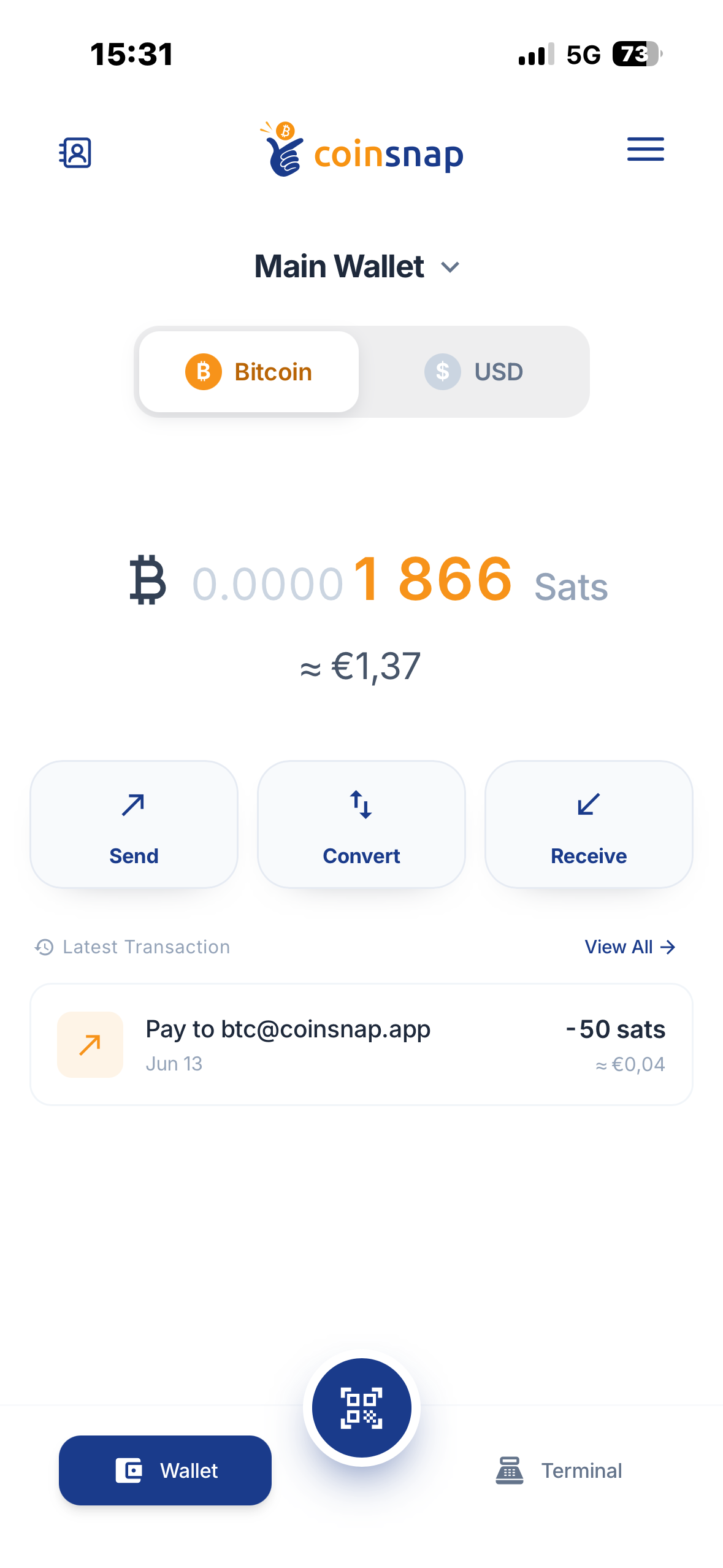
Pay Receive Accept
Use Bitcoin and digital dollars for everyday payments — or turn your phone into a Point of Sale.
Also available: Android APK · iOS beta on TestFlight
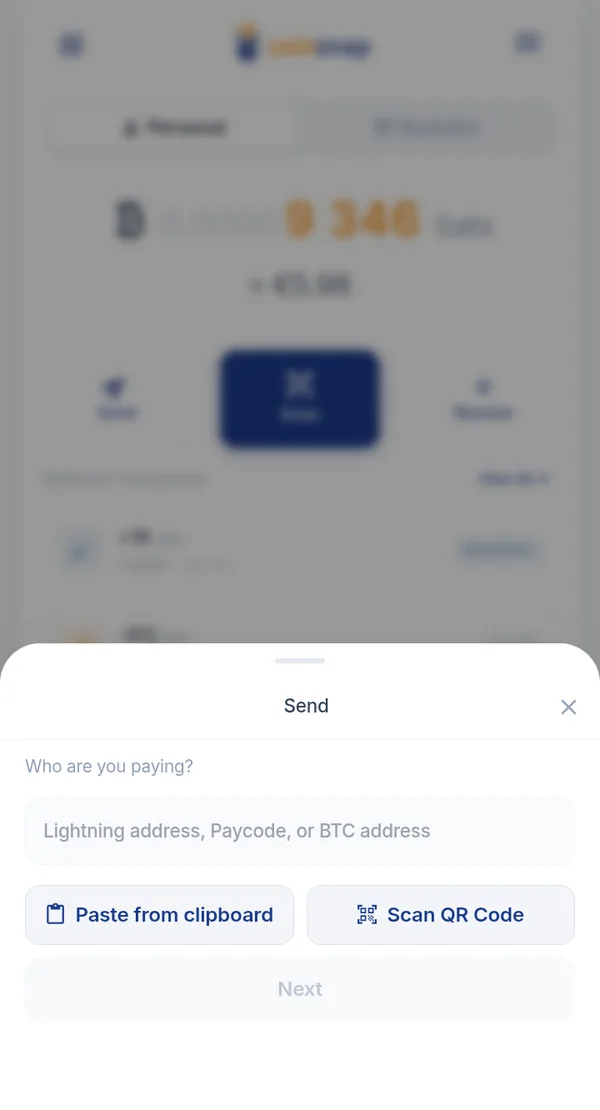
Scan a QR code or pay a Lightning Address — with Bitcoin or digital dollars.
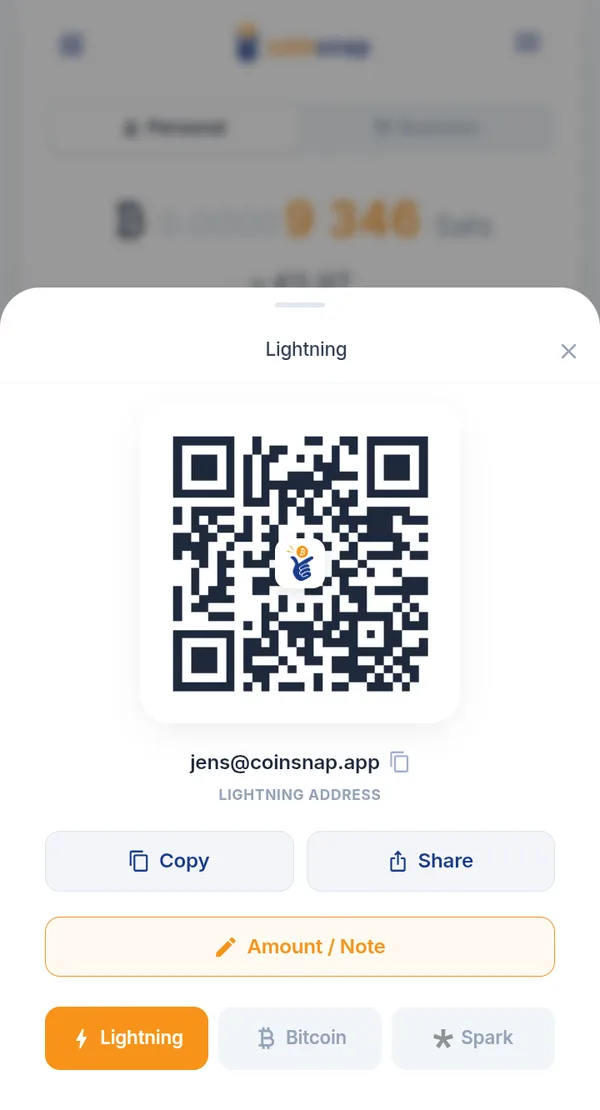
Receive money instantly via QR code or your own Lightning Address.
Coinsnap brings Bitcoin and digital dollars — USD stablecoins — together in one wallet.
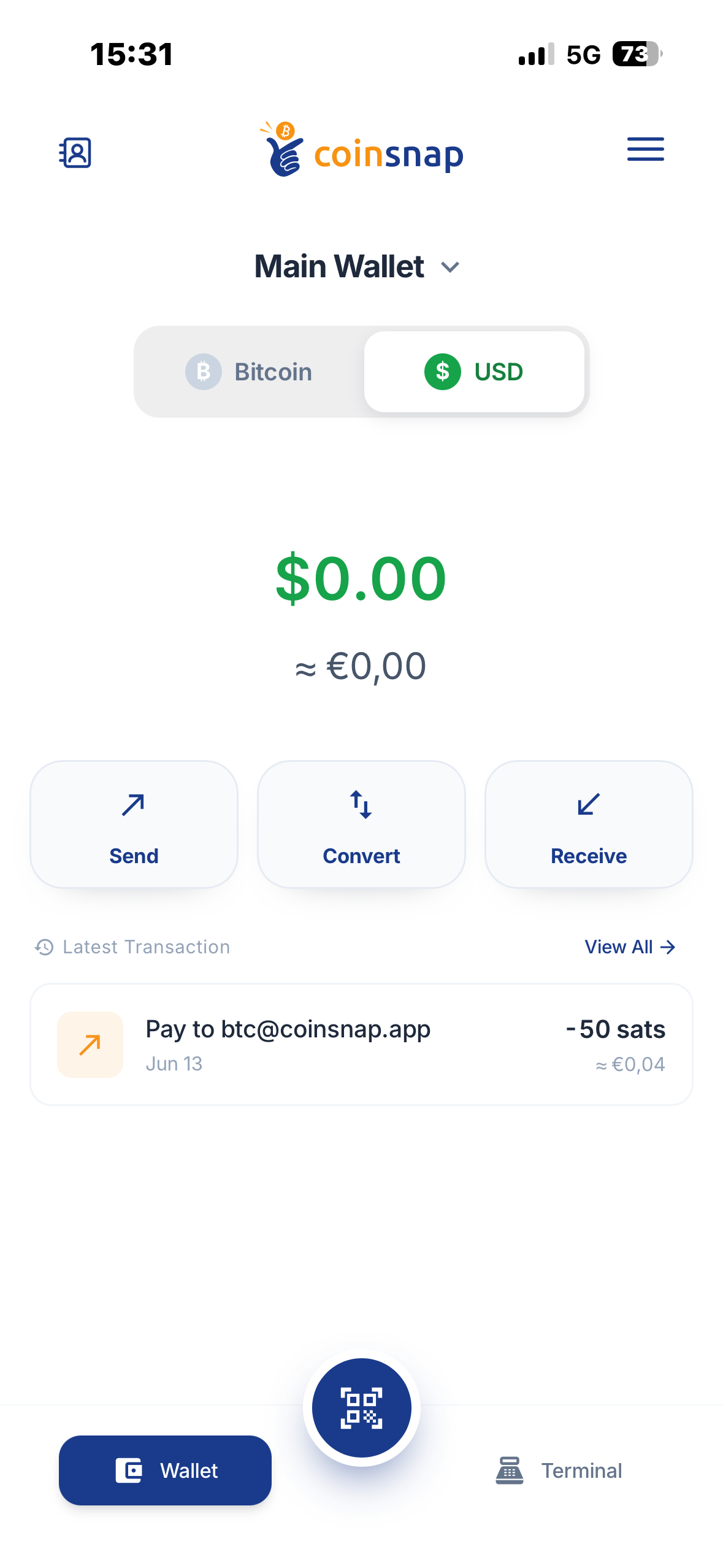
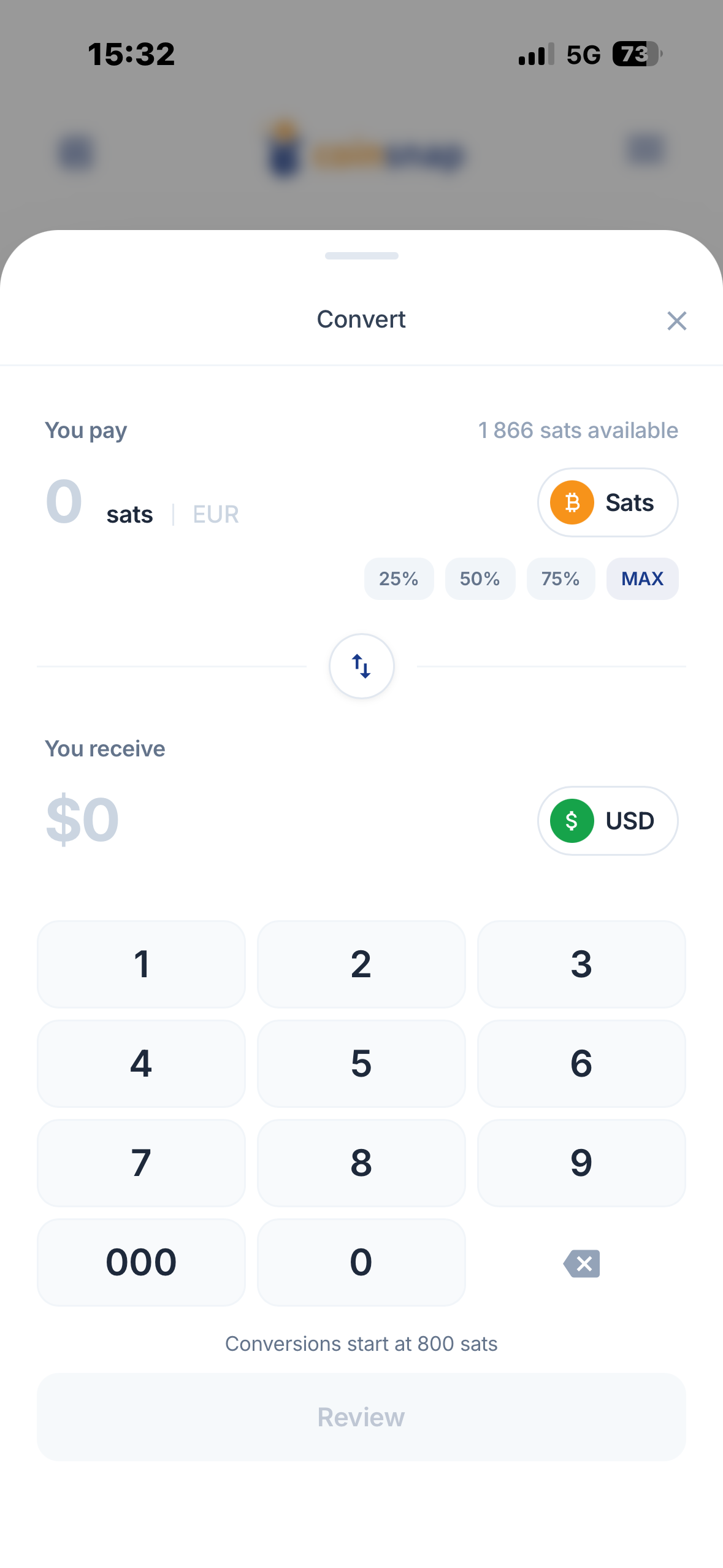
Convert between Bitcoin and USD directly inside the wallet.
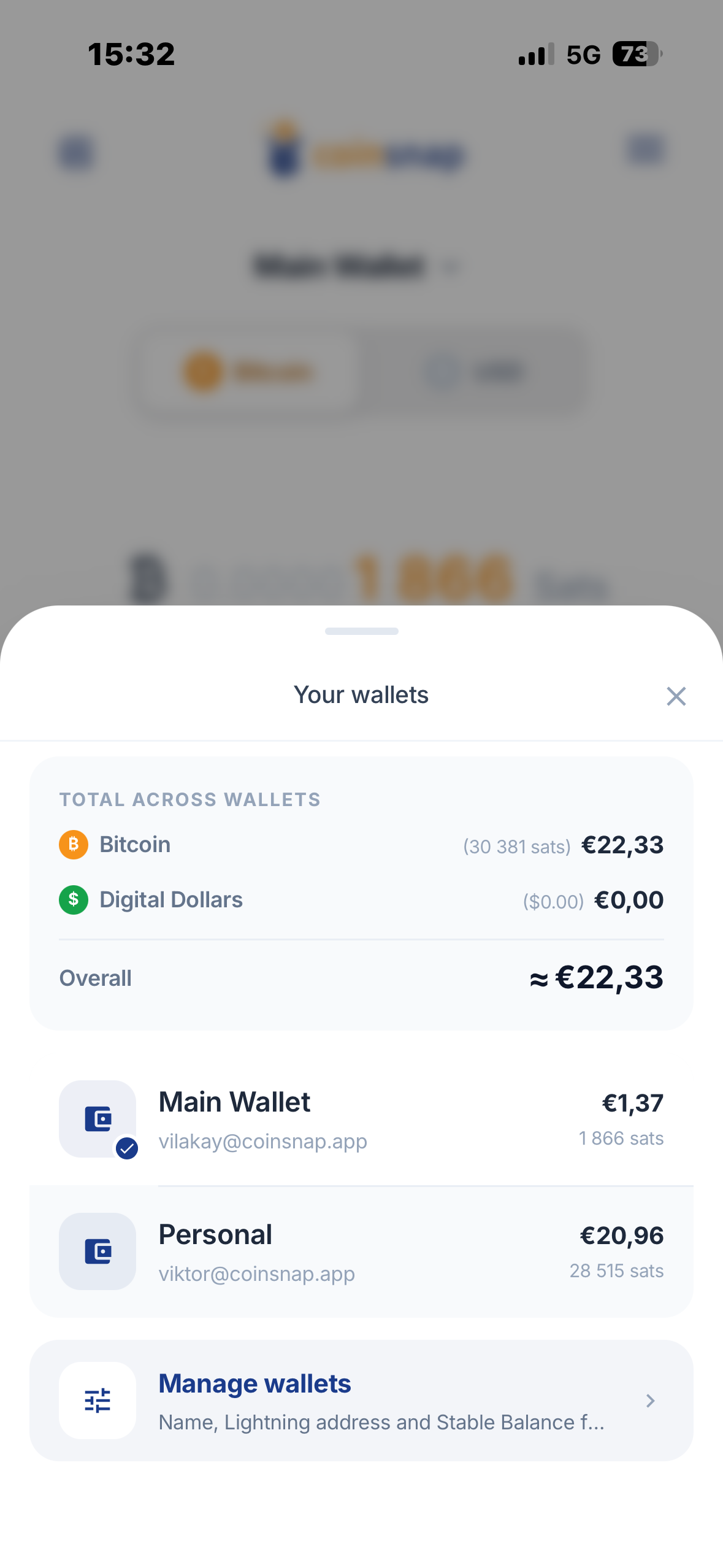
Give each wallet its own name and Lightning Address. Keep Bitcoin in one, auto-convert in another.
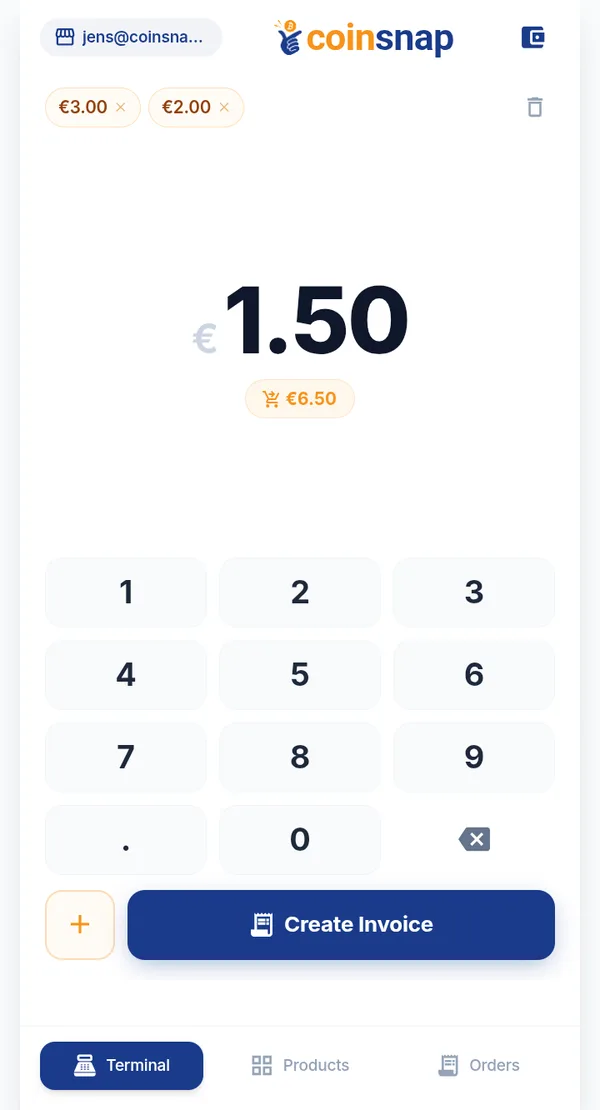
For shops, cafés, restaurants, services and events. No extra hardware, no separate app.
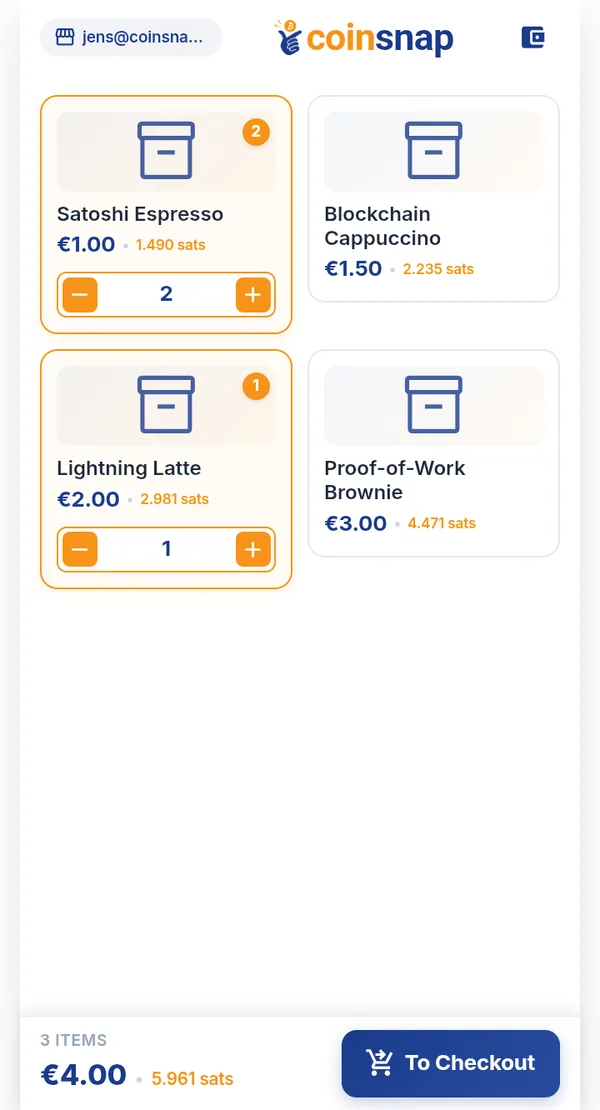
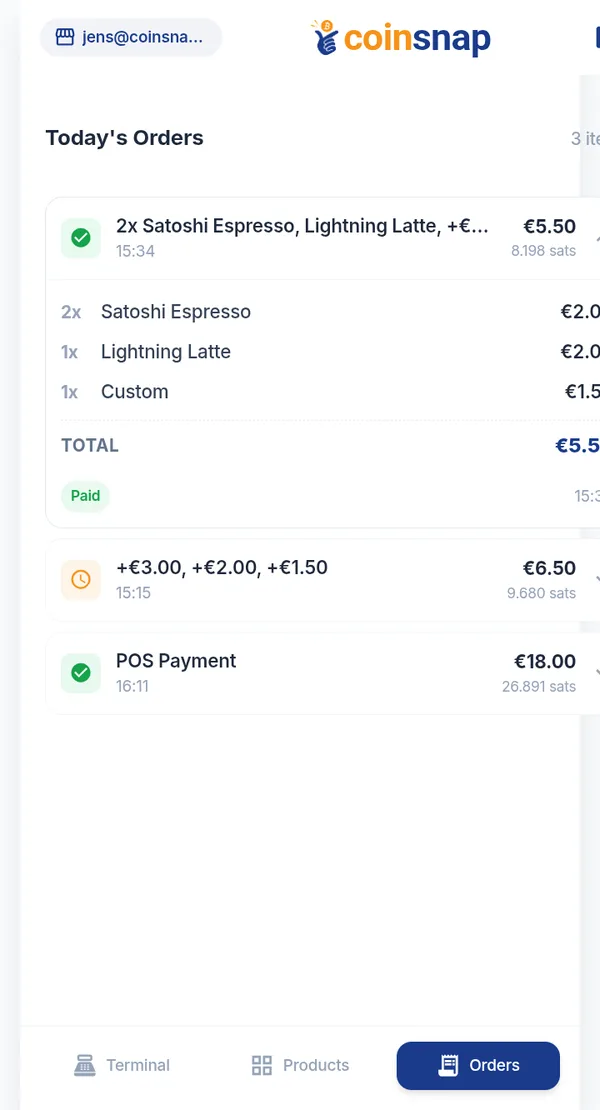
Products and prices, organised for fast checkout.
Reward customers who pay with Bitcoin.
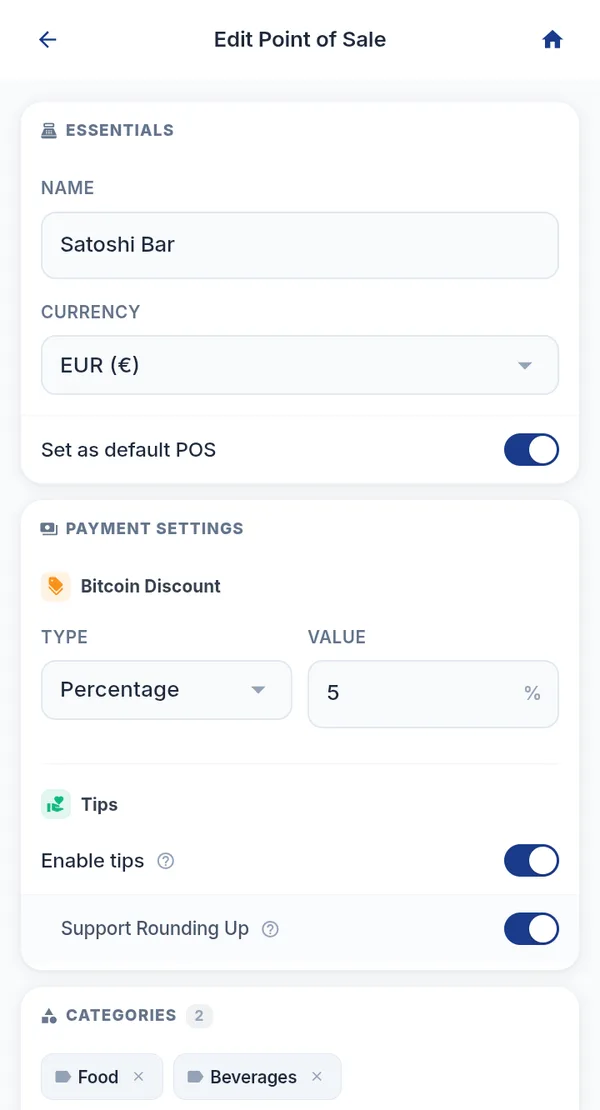
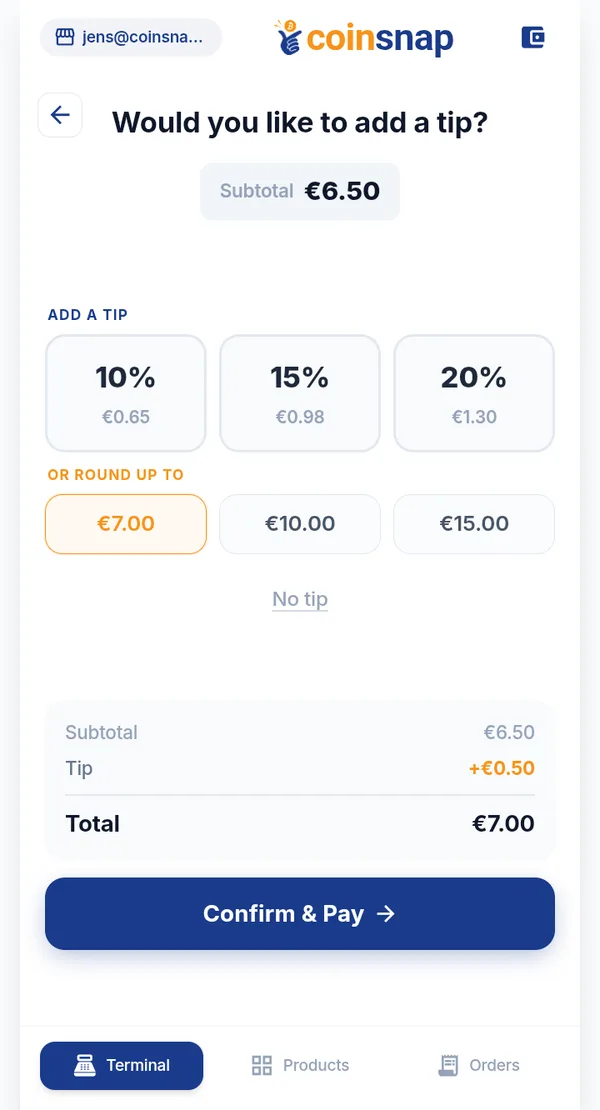
Customers add a tip right at checkout.
Your customers pay in Bitcoin. You decide what you keep.
Choose per wallet. Set the conversion preference individually for each wallet.
Point of Sale · this week
€1,902.30Total sales, 7 days
The settlement destination for payments received through Coinsnap — online and in person.
 Payment gateway
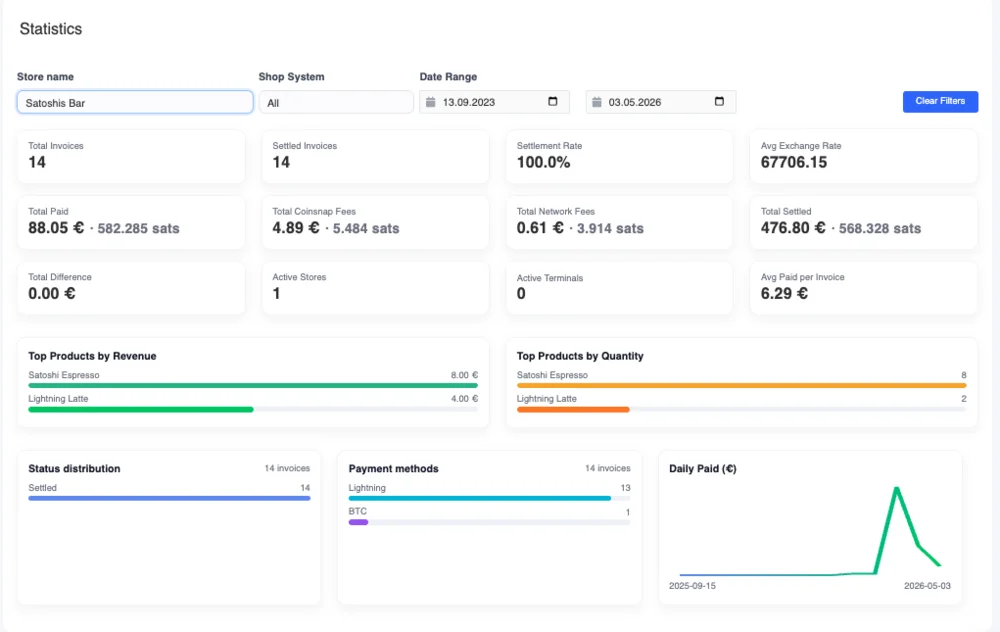
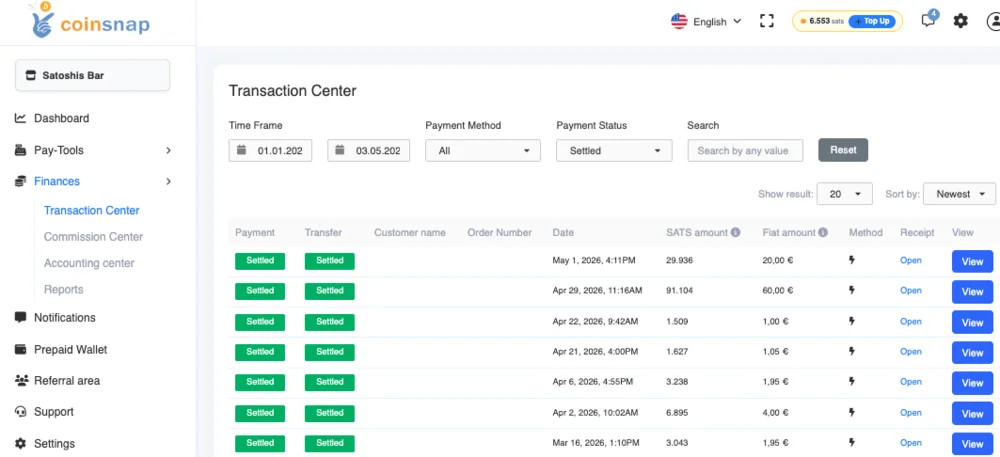
Payments, transactions and exports for your accounting.
Self-custodial. You control your wallet and your recovery phrase — not us, and not anyone else.
12 / 12 words
Example words — not a real phrase
Written down. Only you have it.
Pay, receive and accept — with Bitcoin and digital dollars, in one app.
Also available: Android APK · iOS beta on TestFlight

More in the full FAQ and the documentation.
A self-custodial payment wallet for Bitcoin and digital dollars. You can pay, receive money, and accept customer payments with the integrated Point of Sale — all in one app.
Digital Dollars are USD stablecoins held directly inside your Coinsnap Wallet. You can hold them, pay with them and convert between them and Bitcoin.
Yes. For each wallet you choose whether incoming Bitcoin payments stay Bitcoin or are automatically converted into USD stablecoins.
Up to five. One wallet is created during setup; you can add more later in Settings and give each its own name and Lightning Address.
No. The Coinsnap Point of Sale is built into Coinsnap Wallet — keypad, product catalog, tips, discounts and reporting included.
You do. Coinsnap Wallet is self-custodial: you control your wallet and your recovery phrase.