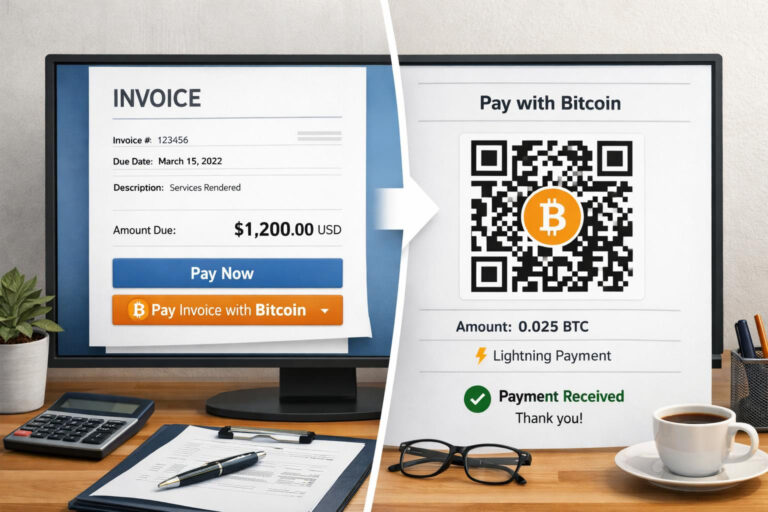


Accept Bitcoin on-site with Coinsnap Web-Point of Sale
The simple Bitcoin Lightning payment method for stores, restaurants, suppliers, hotels, etc. Works with any device!

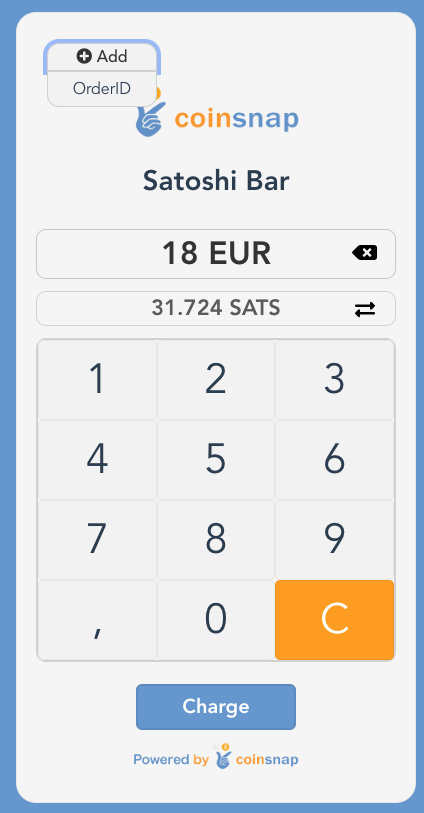
Web-Point of Sale Keypad
Do you run a store, a restaurant or are you a craftsman and service provider and would like to accept Bitcoin Lightning payments from your customers? Then Coinsnap ‘s Web-Point of Sale solution is the ideal solution for you!
Just open your web-point of sale page on-site on the web browser of your smartphone, computer or tablet and enter the invoice amount via the keypad input field.
Then a QR code will appear, which your customer scans briefly with their Bitcoin Lighning app and then authorizes.
The invoice amount will be credited directly to your Bitcoin Lightning Wallet – or (if desired) deposited directly into your bank account in fiat currency such as euros, USD, GBP or CHF.
The Coinsnap Web-Point of Sale works as simply as this
In addition to the invoice amount, you can also enter an order number so that you can easily allocate the Bitcoin payment later in your accounting system. After you have entered the amount, click on Charge and a QR code will be displayed, which you can show to the payer so that they can make the payment with their Bitcoin Lightning Wallet.
If the payment was successful, you will receive a message and can hand over the paid goods to the customer. The Bitcoin revenue is immediately credited to your own Bitcoin Lightning Wallet and is immediately available to you. You can note in your POS system or on the invoice that the payment was made via Bitcoin Lightning.
All Bitcoin Lightning payments received via the web point of sale are saved in the Coinsnap backend and can be tracked via the transaction view. All payments can be filtered and downloaded as a CSV file to be used for accounting purposes, for example.
Create Web-Point of Sale
To be able to use the web-point of sale for your business, you need a Coinsnap account. After you have logged in to the Coinsnap backend, you will find the menu item Payment tools in the left menu bar and there the item Web Point of Sale (Web PoS).
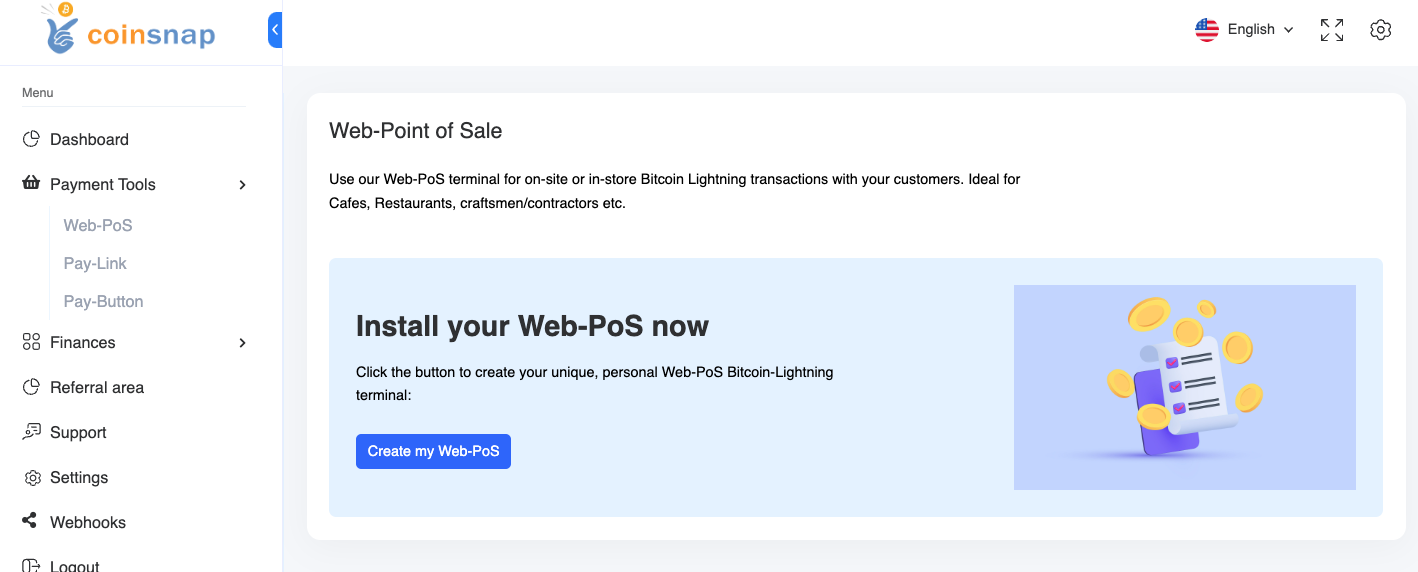
Click on Create New PoS to create a new Web-Point of Sale. Then enter the name of your store in the PoS Name field and in the PoS Title line you can specify what your store offers. In the Currency field, select the currency that will be used for payment in your store.
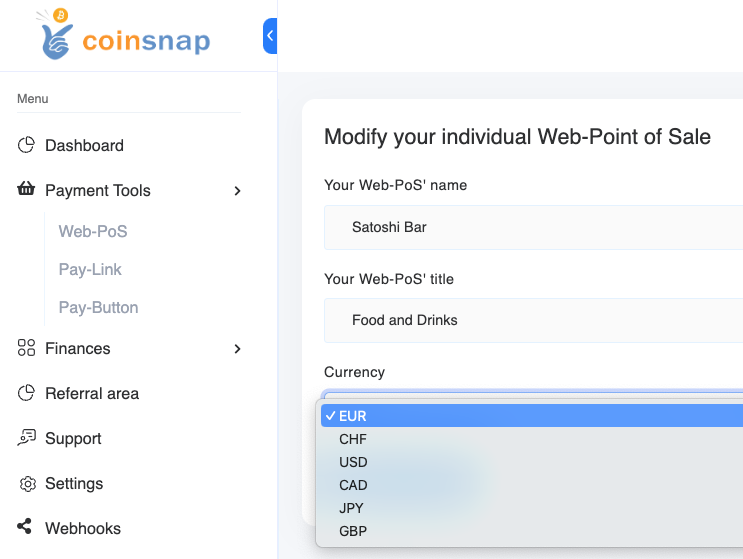
Then click on Create PoS. This view appears:
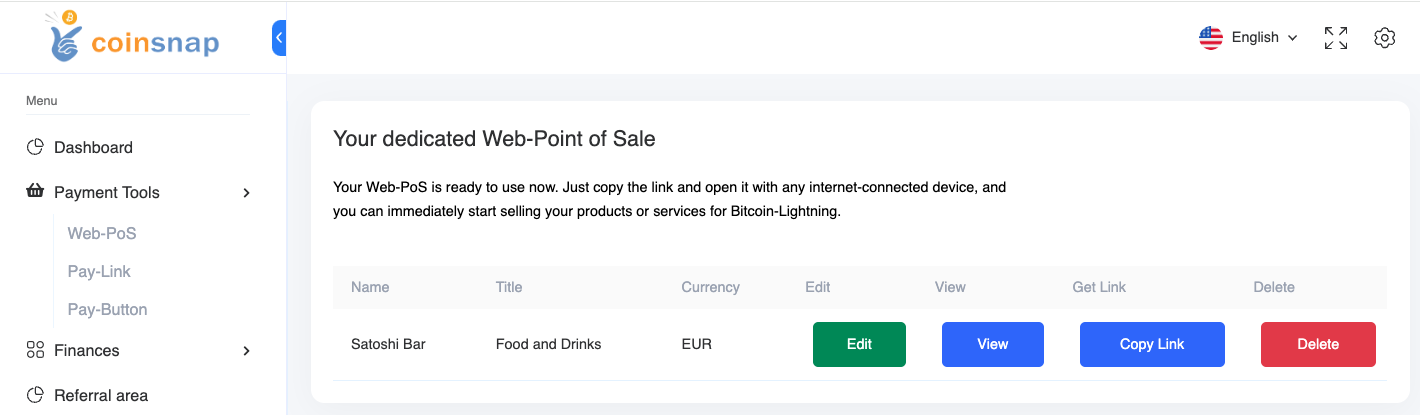
With Copy Link you receive the URL, which you can access with any internet-enabled device. This URL can also be passed on to employees, so that they can access the site with their own end devices. Only payments can be received via this Web-PoS Url. The credit to the Bitcoin Lightning Wallet is made to the wallet deposited with Coinsnap.
The advantages of Coinsnap Web-Point of Sale at a glance:
- Every employee can accept Bitcoin payments, but cannot make withdrawals.
- Web-PoS can be operated on any Internet-enabled device with an Internet browser such as a smartphone, computer or tablet.
- Separation of business and private Bitcoin Lightning payments
- Enter your own order and invoice numbers for easy tracking
- Detailed transaction view with CSV export for accounting documentation
- No app installation required
Register now and get started with Web PoS!
Tags:Bitcoin Web-Point of Sale Bitcoin Web-PoS Web-Point of Sale Web-PoS