
What you need before you start
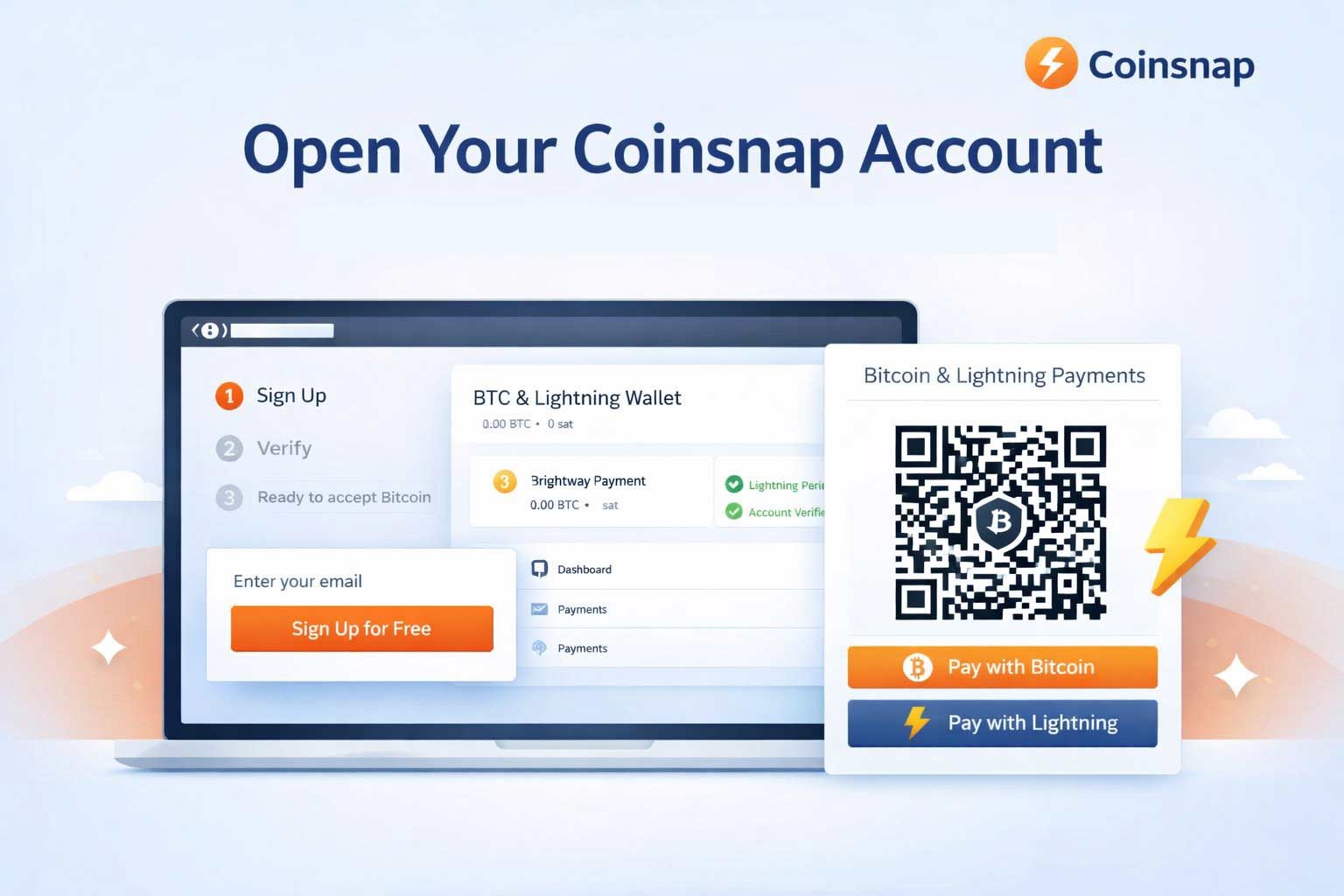
Before you follow these 3 simple steps to open a Coinsnap account, make sure you have:
- A valid email address
- A Bitcoin wallet (Lightning or on-chain)
- A web browser (desktop or mobile)
That’s all. Now we show you – step by step – what to do:
Step 1: Open the Coinsnap website and start registration
On the Coinsnap website, click Register in the main menu at the top of the page.

Click on Create a free account!
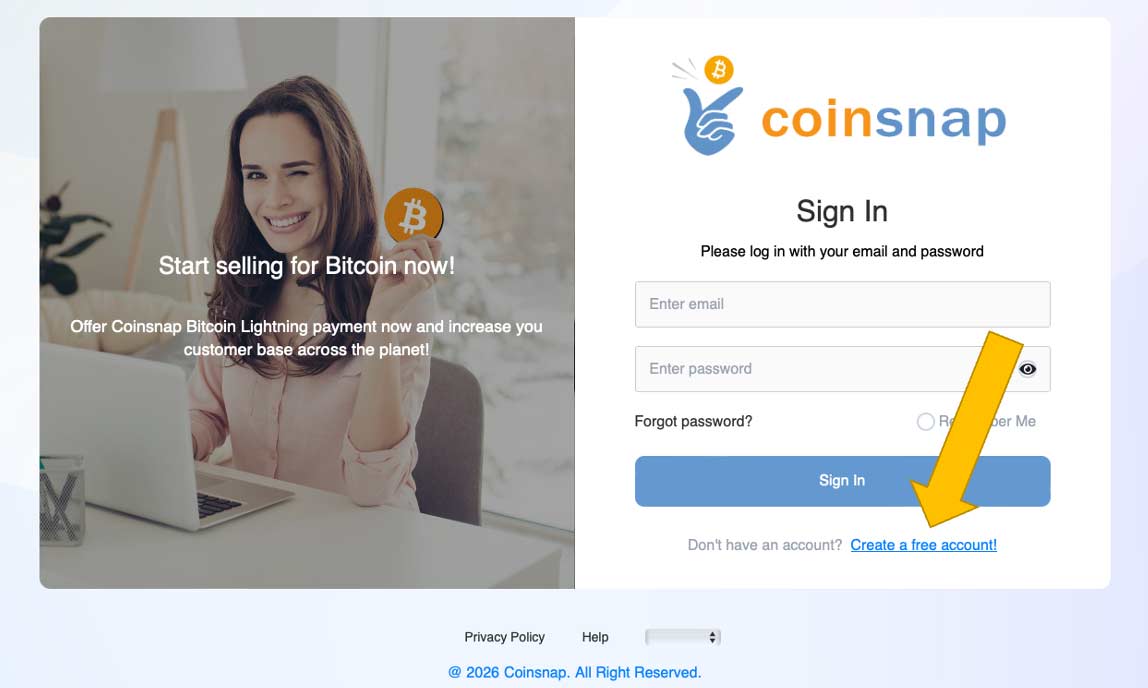
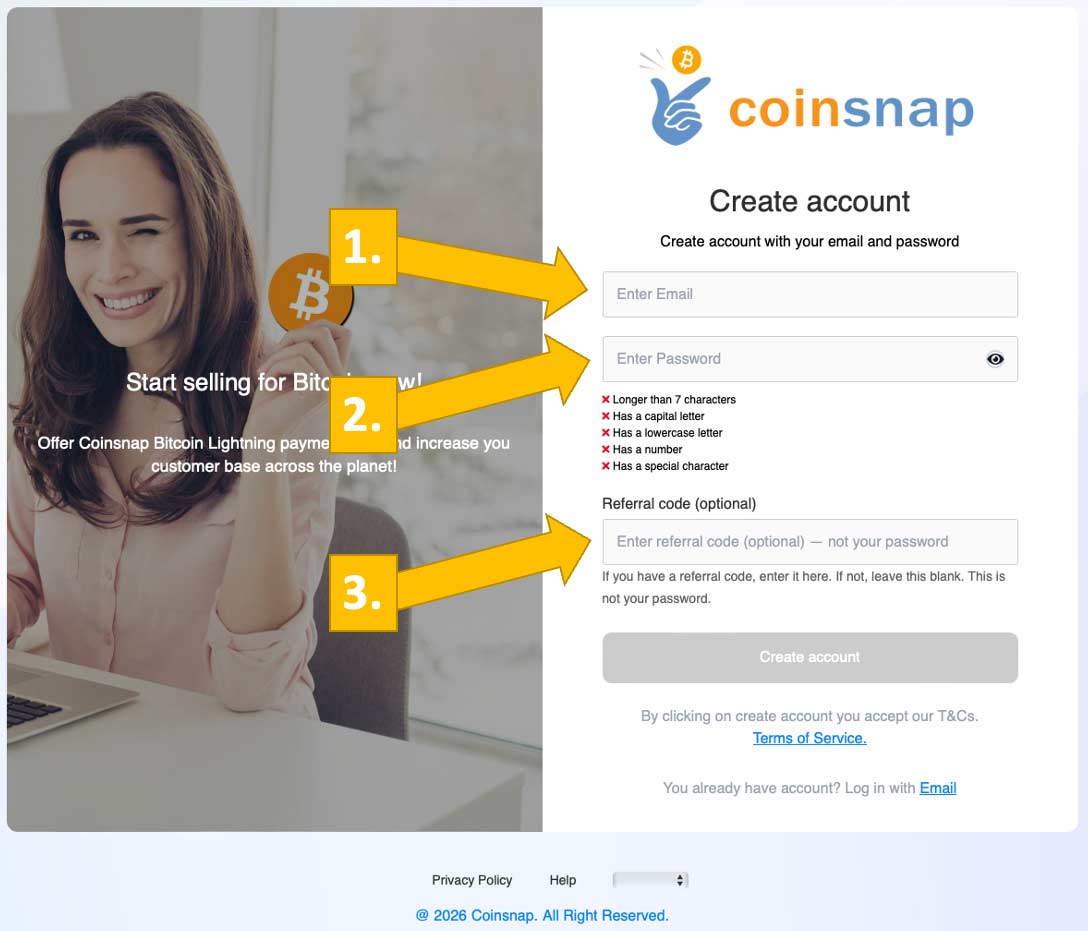
Enter your email [1], your preferred, secret password [2] and, if you have one, your referral code [3]. Then click the Create account button below.
Step 2: Confirm your email address
- Check your inbox for the confirmation email from Coinsnap
- Click the verification link
After confirmation, your account is active and you can log in.
Step 3: Log in to the Coinsnap dashboard
After clicking the confirmation link and logging into your new Coinsnap account, you will see this screen:

Enter the name of your store [1] and your Lightning wallet address [2] , or—optionally, if you prefer to use an on-chain wallet—your public key (xpub-key) [3]. Once you’ve entered the required information, click Connect.
Done
Your Coinsnap account is now open and fully functional.