
A Guide for Developers & Web Agencies
Bitcoin payments are becoming increasingly relevant for online shops and digital business models. With Coinsnap, developers and web agencies can integrate Bitcoin quickly, securely, and without unnecessary complexity — either using ready-made plugins or by connecting custom applications via API.
This article explains the available integration options and outlines a recommended setup process for developers and agencies.
Integrating Bitcoin Payments with Coinsnap
Coinsnap provides a wide range of Bitcoin payment modules that allow for fast and simple integration into popular shop and eCommerce systems, including WordPress, WooCommerce, Shopify, and more.
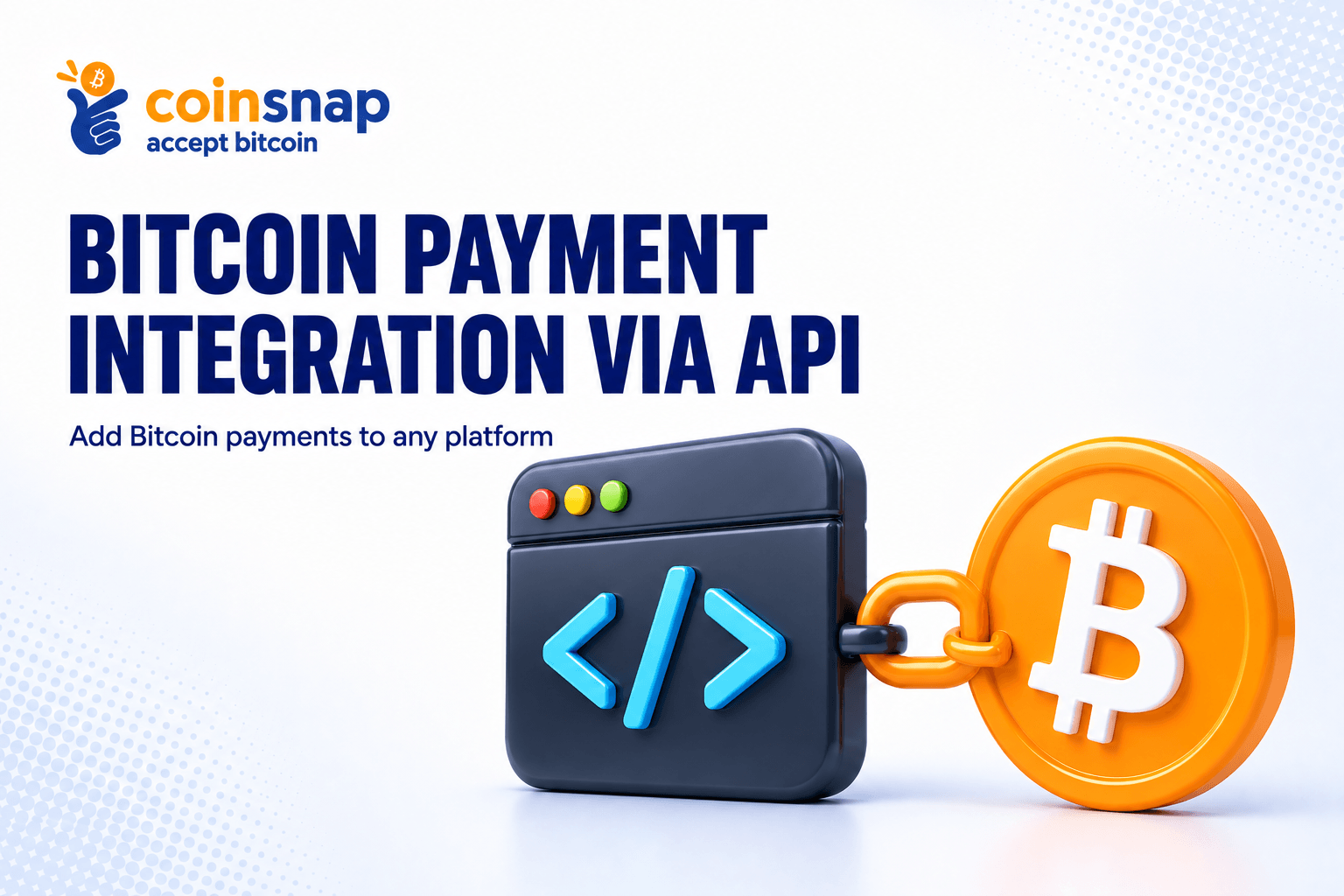
For custom-built shop systems or individual eCommerce applications, Coinsnap also offers a fully documented API, enabling direct Bitcoin payment integration tailored to your specific requirements.
API Integration for Custom Shop Systems & Applications
If you are working with a custom-developed shop system or a bespoke eCommerce application, the Coinsnap API is the right approach.
API documentation is available at:
👉 https://docs.coinsnap.io/
You’ll find comprehensive API documentation, including detailed interface descriptions and practical code snippets to help you implement Bitcoin payments efficiently.
Recommended Setup for Developers & Agencies
To ensure a smooth integration process, we recommend the following steps:
1. Create a Developer or Agency Account
Start by creating a dedicated developer or agency account with Coinsnap.
All you need is an email address.
2. Set Up a Bitcoin Wallet
To receive Bitcoin payments, you’ll need a Bitcoin wallet.
If you don’t already have one, we recommend Wallet of Satoshi, as it is quick and easy to set up.
A step-by-step guide is available here:
👉 https://coinsnap.io/blog/how-to-set-up-wallet-of-satoshi-and-receive-bitcoin-instantly/
3. Add Your Lightning Address to Coinsnap
Next, store your Lightning address in the Coinsnap backend.
If you need test funds, simply send a short message via the support system in the backend, and Coinsnap will send you a few sats for testing purposes.
4. Retrieve Store ID and API Key
For API-based integrations, you will need:
- Coinsnap Store ID
- API Key
Both can be found in the backend under:
Settings → Store
Implementation & Support
All additional technical details are covered in the API documentation.
If you need assistance or have project-specific questions, the Coinsnap team is happy to help.
Just contact them via the support section directly from within the Coinsnap backend.
Best Practices for a Successful Bitcoin Checkout
To ensure Bitcoin is perceived as an attractive payment option, we recommend the following best practices:
Offer a Bitcoin Discount
Consider offering a discount for Bitcoin payments.
This increases visibility and encourages customers to choose Bitcoin at checkout.
Use Clear Payment Naming
Always label the payment method as “Bitcoin”, not “Coinsnap”, to avoid confusion and ensure a clean user experience.
Enable Payments at a Later Time
If a Bitcoin payment is not completed, send the customer a Bitcoin payment link so they can finalize the transaction later.
Monetization Opportunities for Developers & Agencies
If you are building an API integration not only for a single project but for a broader audience, you can include your Coinsnap referrer code in the application.
This allows you to earn a commission whenever merchants use your integration — an ideal option for agencies, plugin developers, and SaaS providers.
Conclusion
Coinsnap enables flexible Bitcoin payment integration — from ready-to-use shop plugins to full API-based custom implementations.
Developers and agencies benefit from clear documentation, direct support, and built-in monetization options.
👉 Get started now: https://docs.coinsnap.io/